wordcloud2 {wordcloud2} R Documentation
Create wordcloud by wordcloud2.js
Description
Function for Creating wordcloud by wordcloud2.js
Usage
1 | wordcloud2(data, size = 1, minSize = 0, gridSize = 0, |
Arguments
| data | A data frame including word and freq in each column |
|---|---|
| size | Font size, default is 1. The larger size means the bigger word. |
| minSize | A character string of the subtitle |
| gridSize | Size of the grid in pixels for marking the availability of the canvas the larger the grid size, the bigger the gap between words. |
| fontFamily | Font to use. |
| fontWeight | Font weight to use, e.g. normal, bold or 600 |
| color | color of the text, keyword ‘random-dark’ and ‘random-light’ can be used. color vector is also supported in this param |
| backgroundColor | Color of the background. |
| minRotation | If the word should rotate, the minimum rotation (in rad) the text should rotate. |
| maxRotation | If the word should rotate, the maximum rotation (in rad) the text should rotate. Set the two value equal to keep all text in one angle. |
| shuffle | Shuffle the points to draw so the result will be different each time for the same list and settings. |
| rotateRatio | Probability for the word to rotate. Set the number to 1 to always rotate. |
| shape | The shape of the “cloud” to draw. Can be a keyword present. Available presents are ‘circle’ (default), ‘cardioid’ (apple or heart shape curve, the most known polar equation), ‘diamond’ (alias of square), ‘triangle-forward’, ‘triangle’, ‘pentagon’, and ‘star’. |
| ellipticity | degree of “flatness” of the shape wordcloud2.js should draw. |
| widgetsize | size of the widgets |
| figPath | The path to a figure used as a mask. |
| hoverFunction | Callback to call when the cursor enters or leaves a region occupied by a word. A string of java script function. |
Examples
library(wordcloud2)1
2
3
4
5
6
7
8
9
10
11
12
13
14
15
16
17
18
19
20
21
22
23
24
25
26
27
28
29
30
31# Global variables can go here
wordcloud2(demoFreq)
wordcloud2(demoFreq, size = 2)
wordcloud2(demoFreq, size = 1,shape = 'pentagon')
wordcloud2(demoFreq, size = 1,shape = 'star')
wordcloud2(demoFreq, size = 2,
color = "random-light", backgroundColor = "grey")
wordcloud2(demoFreq, size = 2, minRotation = -pi/2, maxRotation = -pi/2)
wordcloud2(demoFreq, size = 2, minRotation = -pi/6, maxRotation = -pi/6,
rotateRatio = 1)
wordcloud2(demoFreq, size = 2, minRotation = -pi/6, maxRotation = pi/6,
rotateRatio = 0.9)
wordcloud2(demoFreqC, size = 2,
color = "random-light", backgroundColor = "grey")
wordcloud2(demoFreqC, size = 2, minRotation = -pi/6, maxRotation = -pi/6,
rotateRatio = 1)
# Color Vector
colorVec = rep(c('red', 'skyblue'), length.out=nrow(demoFreq))
wordcloud2(demoFreq, color = colorVec, fontWeight = "bold")
wordcloud2(demoFreq,
color = ifelse(demoFreq[, 2] > 20, 'red', 'skyblue'))
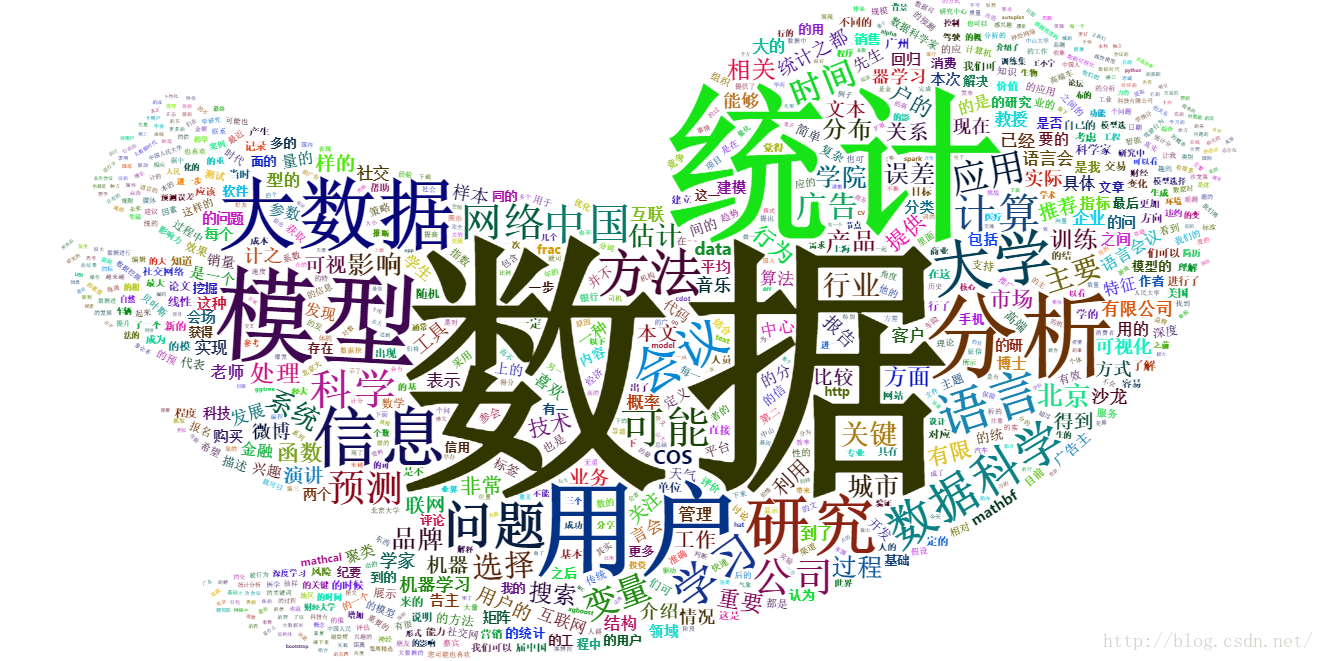
这个包里面包含了两个数据集,demoFreqC 和 demoFreq,前者是一些中文数据,后者是一些英文数据。这两个数据都包含了两个变量,一个是文本,另一个是文本的数量。1
2
3
4
5
6
7
8
9
10
11wordcloud2(data, size = 1, minSize = 0, gridSize = 0,
fontFamily = 'Segoe UI',
fontWeight = 'bold',
color = 'random-dark',
backgroundColor = "white",
minRotation = -pi/4, maxRotation = pi/4,
shuffle = TRUE,
rotateRatio = 0.4,
shape = 'circle',
ellipticity = 0.65,
widgetsize = NULL, figPath = NULL, hoverFunction = NULL)
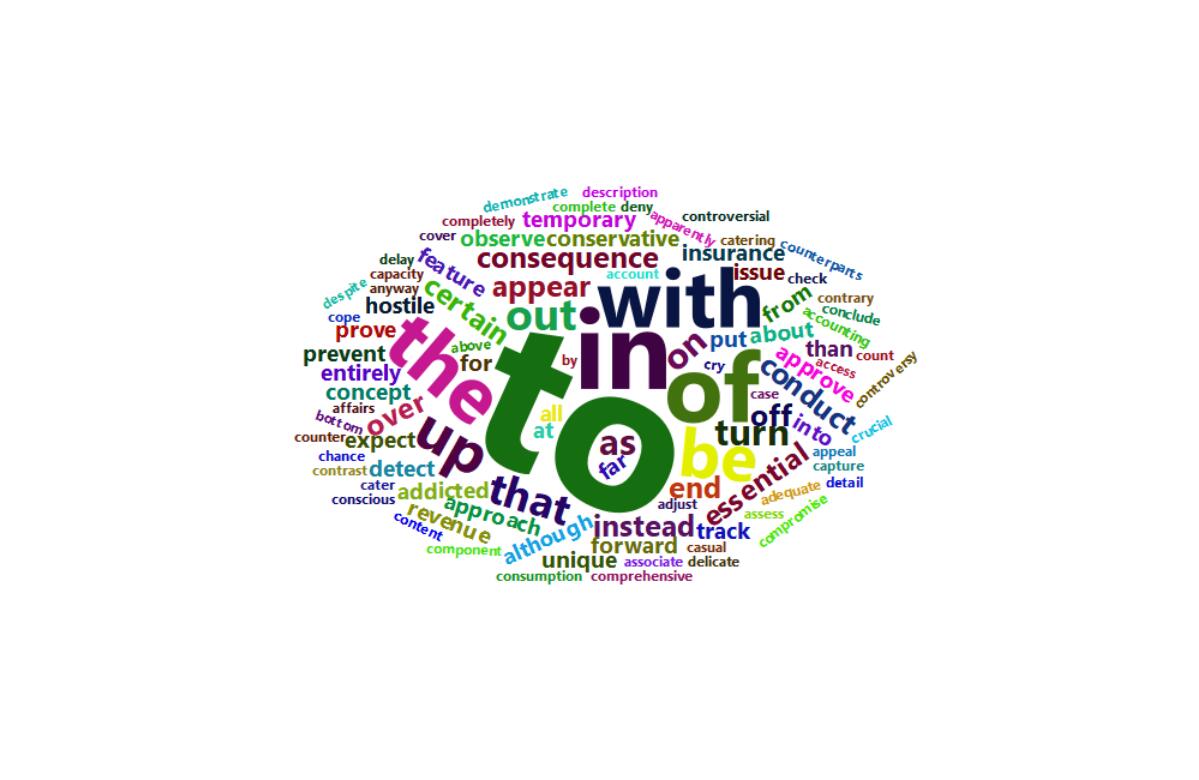
wordcloud2提供了基本的词云功能,letterCloud可以使用选定的词绘制词云,这个词可以是英文,也可以是中文。
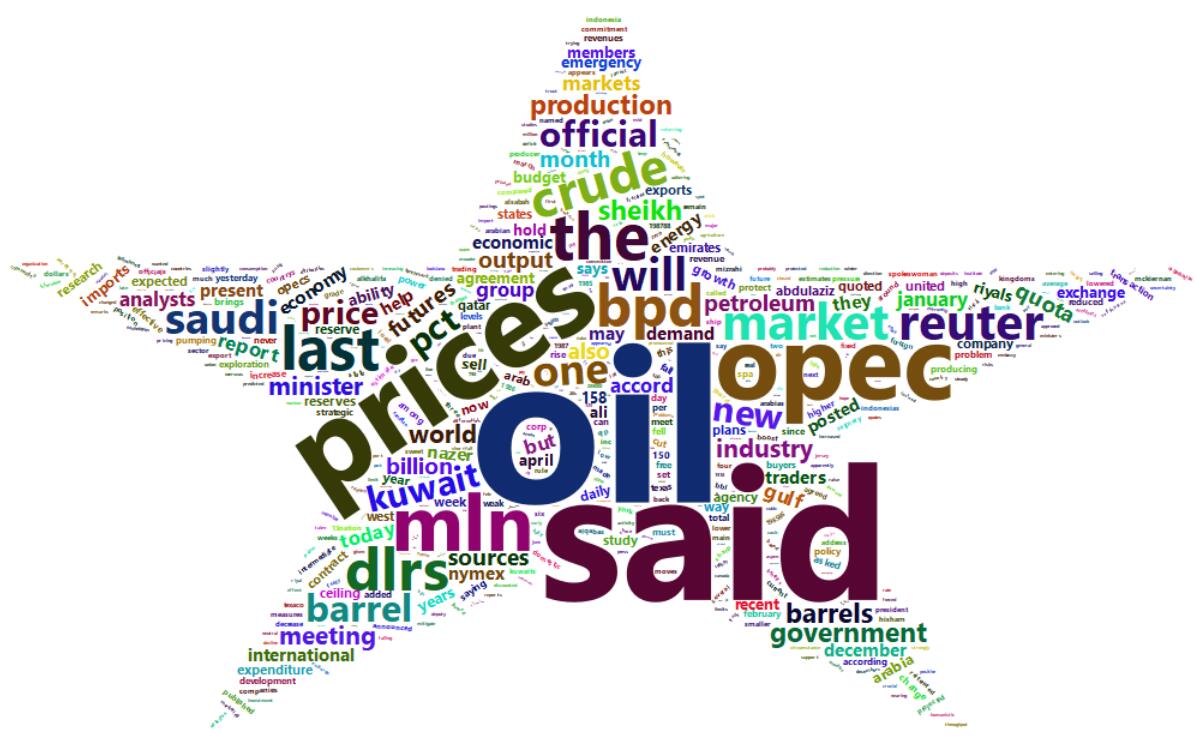
上面就是wordcloud2()函数,里面参数一大堆,但在一般情况下,我们却用不了那么多。其中data就是我们要处理的数据。shape参数可以选择词云的形状,有上面代码可知它默认为圆形(circle),它还提供了其他一些参数,cardioid(心形),star(星形),diamond(钻石形),triangle-forward(三角形),triangle(三角形),这两个三角形就是倾斜方向不同而已,pentagon(五边形);
size参数为字体的大小;
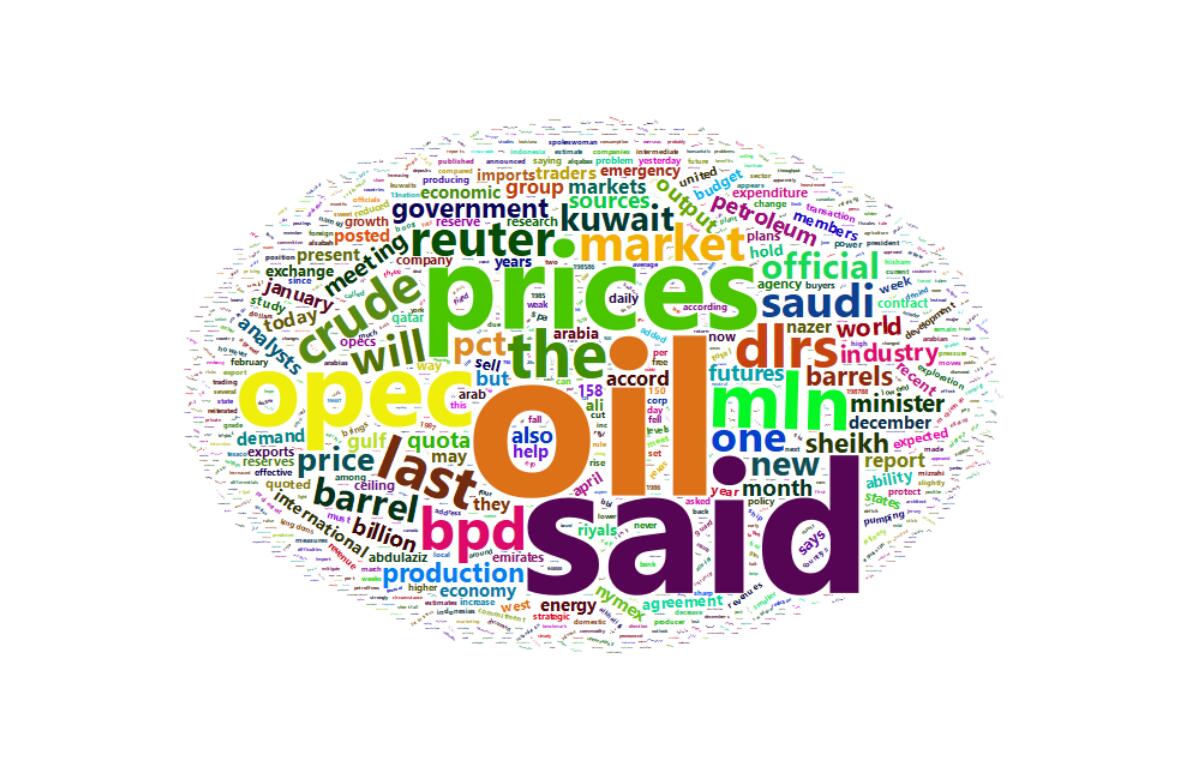
backgroundColor设置背景颜色,默认为白色,但有的时候黑色效果更好,颜色更能凸显出来。1
wordcloud2(demoFreq)
1
wordcloud2(demoFreq, size = 1,shape='star')
1
2
example < -system.file("examples.png",package="wordcloud2")
wordcloud2(demoFreqC, size = 1, figPath = lexample)